
Tabla de Contenido
– Understanding Heatmap Analytics in Engagement Strategy
– How SimplifyAnalytics Heatmaps Improve Website Interaction Analysis
– UX Improvement Techniques Using Website Heatmaps
– Session Tracking Software and User Behavior Analysis
– Conversion Rate Optimization with Heatmap Tracking Tools
– SimplifyAnalytics Review: Why It’s the Best Heatmap Tool for UX
– FAQs
Understanding Heatmap Analytics in Engagement Strategy
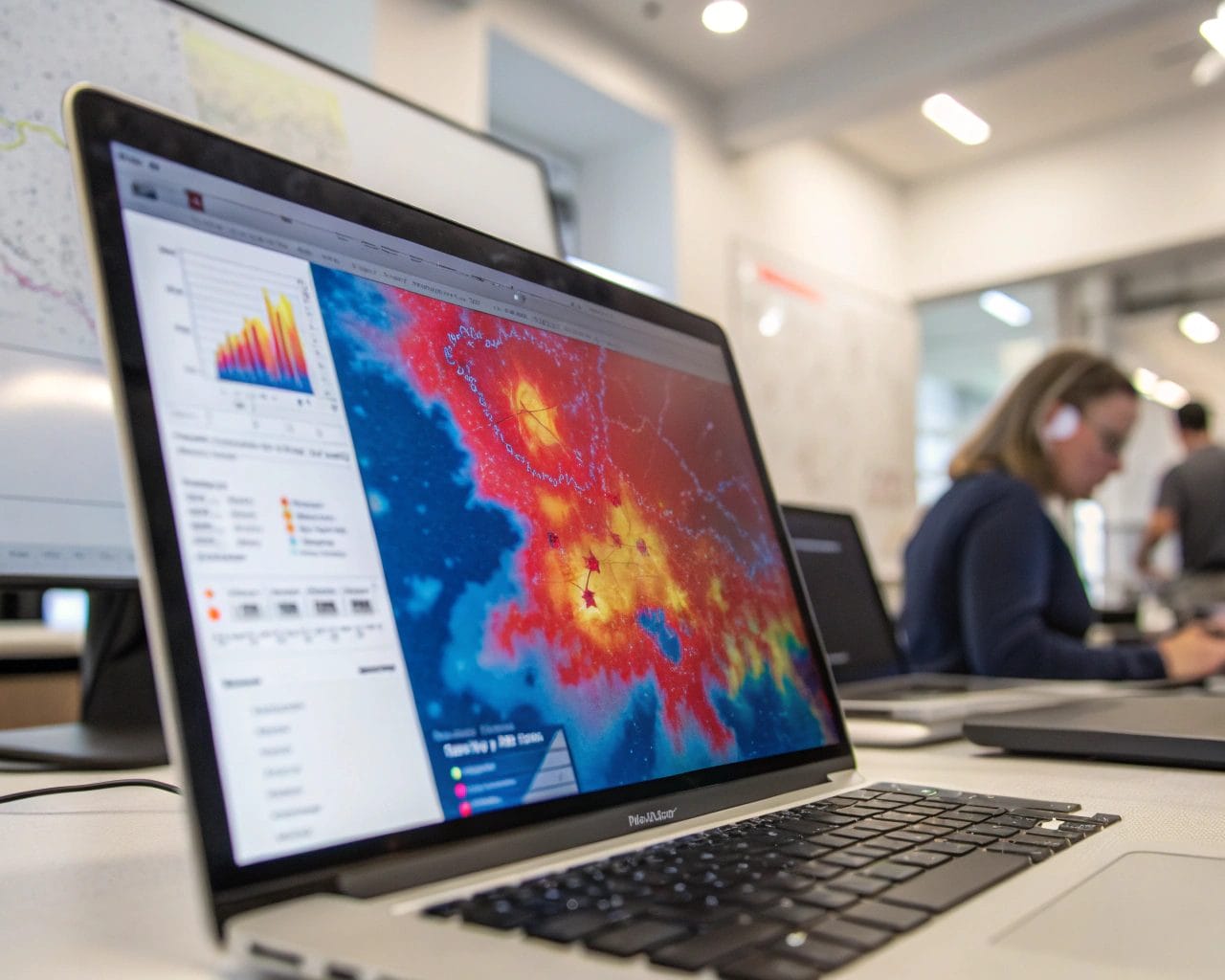
If you’re looking to improve website performance with heatmaps, understanding how heatmap analytics works is the first step. A heatmap visually displays where users click, scroll, or pause on your site. The color-intensity representation highlights which content areas attract attention and which get overlooked.
Why does this matter? Because user engagement tools provide insights no survey ever could. Instead of asking users what they liked, website heatmaps show you exactly how they behaved. These insights become essential when you aim to optimize user behavior and fine-tune your content or layout based on actual activity.
Let’s take an example. Imagine visitors consistently ignore a call-to-action (CTA). A heatmap can instantly show if the button is placed too low or surrounded by distractions. Adjusting layout based on this data often leads to measurable increases in clicks and time-on-page.
How SimplifyAnalytics Heatmaps Improve Website Interaction Analysis
Using the heatmap tracking tools from SimplifyAnalytics, you’re presented with real-time, privacy-respecting insights into user actions. Unlike traditional platforms, SimplifyAnalytics ensures full GDPR and CCPA compliance, making it a rare combination of functionality and respect for visitor privacy.
With SimplifyAnalytics user behavior analysis, you’ll gain clarity on questions like:
- Are users engaging with the content you prioritize?
- Where is attention dropping off?
- Are key links or CTA buttons receiving enough interaction?
SimplifyAnalytics delivers comprehensive website interaction analysis with both click maps and scroll maps. These allow you to pinpoint what’s working and take immediate action.
A digital marketing agency using SimplifyAnalytics recently saw a 35% increase in contact form completions on a client’s B2B site after moving the form above the fold based on scroll heatmap data. That’s the efficiency data-driven design unlocks.
UX Improvement Techniques Using Website Heatmaps
One of the top UX improvement techniques is applying website heatmaps to identify friction points on your site. These are moments where users hesitate, abandon tasks, or exit. With SimplifyAnalytics, you’re not guessing. You’re seeing it unfold.
Start by reviewing scroll maps to understand how far users typically scroll. Do essential details lie below areas they visit? Consider repositioning.
Next, analyze click maps for unnecessary elements that gather interaction. These could be misleading users. An eCommerce site improved product page conversions by 27% after removing a banner users frequently clicked thinking it led to product reviews. It didn’t.
You can also study hover maps (if enabled) to understand dwell areas. Pair this with session replay — another feature from SimplifyAnalytics — to visualize the flow of interaction across sessions for a deeper understanding.
These practices will support sustainable UX changes based on observable behavior, not subjective opinions.
Session Tracking Software and User Behavior Analysis
Session tracking software lets you watch full interactions — mouse movements, clicks, page shifts — giving you a replay of the user’s journey. When you combine this with SimplifyAnalytics heatmaps, the picture of how visitors behave becomes more complete.
SimplifyAnalytics excels in blending session replays with heatmap data to create detailed behavior timelines. You can observe:
- How many users struggled to fill in a form field
- Whether a pop-up discouraged continued browsing
- If mobile users experienced alignment issues that desktop users didn’t
The result is not just engagement metrics but how SimplifyAnalytics improves engagement through behavior analysis and pattern recognition.
One SimplifyAnalytics client found that users on mobile interfaces were abandoning checkout 2 steps early. A session replay revealed that a user’s keypad covered the “Next” button. Within 48 hours, the issue was resolved, leading to a 12% increase in daily sales.
Conversion Rate Optimization with Heatmap Tracking Tools
Conversion rate optimization starts with understanding user bottlenecks. You can stare at charts all day, but heatmap tracking tools show what spreadsheets can’t: where focus goes and where confusion starts.
With SimplifyAnalytics, you can run A/B content tests and compare engagement across heatmaps to determine which variation drives more actions. Test headline changes, button position, or layout adjustments and validate every decision with real data.
Consider this use case: A content creator tested two blog layouts. One had a sidebar with featured posts; the other a single-column layout. Heatmaps showed a 48% longer scroll distance and 22% more CTA clicks on the single-column variation. Pivot implemented. Results scaled.
Whether you’re selling products, gaining leads or boosting email sign-ups, consistent improvements from user engagement tools will increase your conversions without needing to grow traffic.
SimplifyAnalytics Review: Why It’s the Best Heatmap Tool for UX
A common request among analytics users is for a SimplifyAnalytics review that doesn’t just list features but explains their impact.
SimplifyAnalytics stands out because of its clean dashboard, fast loading scripts—even in lightweight mode under 6 kB—and detailed behavioral tracking. It’s also fully compliant with GDPR, PECR, and CCPA, bypassing the need for annoying cookie banners thanks to cookie-free tracking.
Their Agency plan also supports team collaboration, allowing controlled access for multiple collaborators working on the same client project — something most small businesses and agencies will benefit from significantly.
Plus, SimplifyAnalytics contributes 1% of its revenue to carbon removal efforts, so your decision also supports environmental action.
Out of all tools tested for increase conversions with heatmaps, SimplifyAnalytics delivered faster visual feedback, cleaner UX insights, and more confidence to iterate based on user needs.
If you’re searching for the best heatmap tool for UX, this is one worth implementing right away.
FAQs
What’s the difference between click maps and scroll maps?
Click maps show where users click, while scroll maps show how far users scroll down the page.
Can I use SimplifyAnalytics without cookie banners?
Yes. In lightweight mode, all tracking is done without cookies, respecting user privacy and compliance laws.
How does heatmap analytics help with UX improvements?
By identifying engagement hotspots and blind spots, you can restructure content and design to better match user behavior patterns.
Is SimplifyAnalytics good for eCommerce websites?
Yes, especially for product page optimization and checkout process analysis using session tracking software and heatmaps.
Are there restrictions on the number of heatmaps I can create?
This depends on the pricing plan. Starter and Advanced allow for more heatmap and user tracking features, while the Agency plan unlocks full capabilities.
If you’re committed to better performance, higher retention and UX-driven conversion rate optimization, it’s time to experience how heatmaps transform user insights.
Learn more and start optimizing with SimplifyAnalytics


