
Tabla de Contenido
- Understanding Heatmap Analysis for User Engagement
- The Role of Heatmaps in Website Optimization
- How to Analyze User Engagement with Heatmaps
- Best Heatmap Tools for UX and Conversion Rate Optimization
- Website Behavior Tracking Techniques That Work
- Using Heatmaps to Improve User Experience and Increase Conversions
- FAQs on Heatmap Analysis and UX Analytics
Understanding Heatmap Analysis for User Engagement
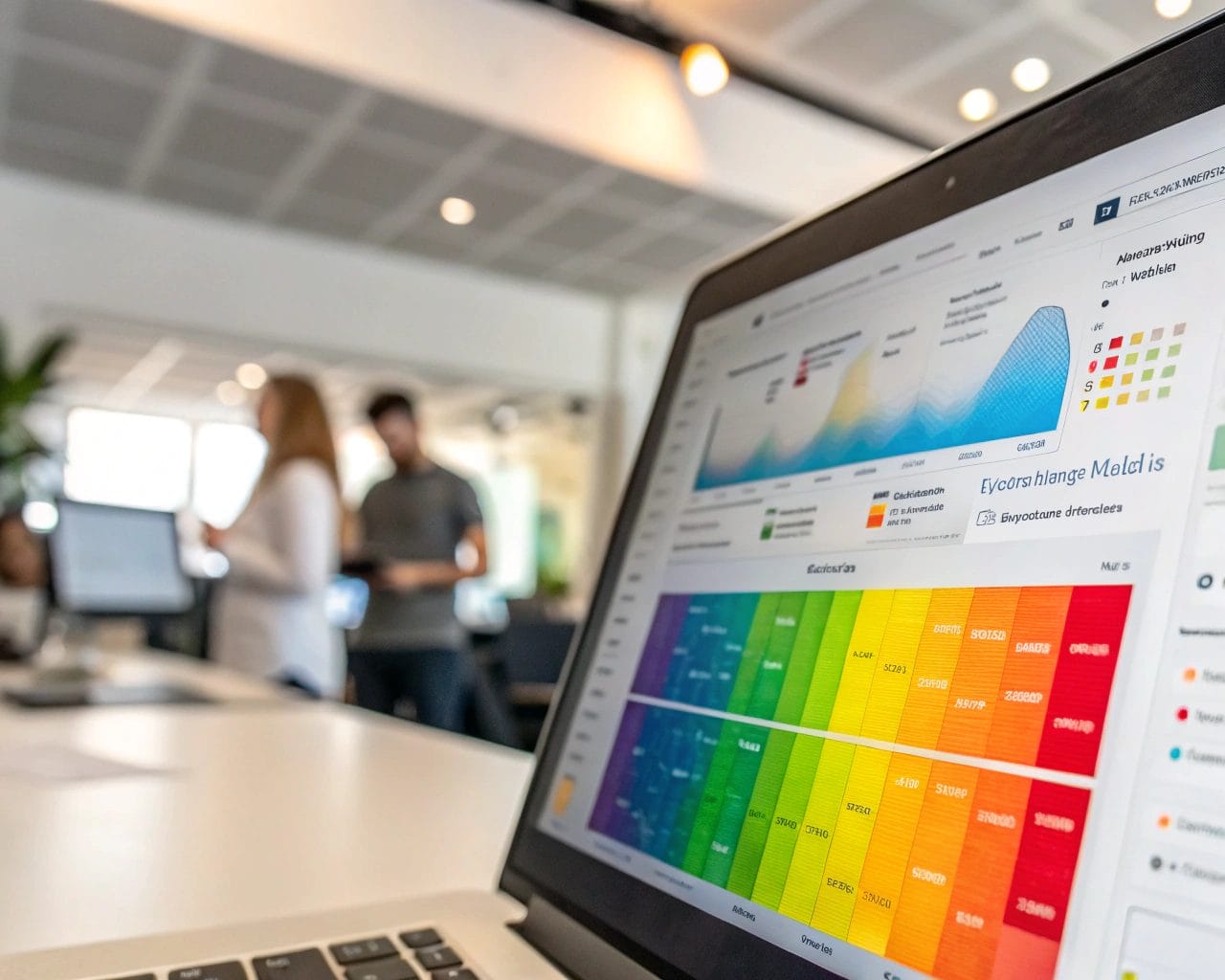
User engagement defines how visitors interact with your site: clicks, scroll depth, time spent on page, and navigation patterns. To improve engagement, you need reliable data showing exactly how users behave. This is where heatmap analysis becomes essential. By capturing interaction data, click tracking, and scrolling behavior, heatmaps provide a visual layer on top of your user journey. These insights are foundational for any serious website optimization effort.
Web analytics tools like SimplifyAnalytics offer heatmap software that focuses on privacy and performance. Unlike traditional scripts that rely heavily on user consent and cookies, SimplifyAnalytics’ lightweight approach (with a tracking script under 6 kB) allows real-time user behavior tracking while staying compliant.
The Role of Heatmaps in Website Optimization
Optimizing a website without knowing how it’s used is guesswork. Heatmaps take away assumptions by showing you what users focus on the most—and what they ignore. Common uses include:
- Discovering actionless hotspots where users click but nothing happens.
- Identifying areas visitors never reach because they don’t scroll.
- Spotting distractions that drive users away before completing a goal.
If a landing page has a high bounce rate, maybe your CTA is below the scroll line. A heatmap showing scrolling depth could confirm this. Or maybe users are clicking on text they think is a link. Click tracking tools visualize these actions so you can turn confusion into clarity.
How to Analyze User Engagement with Heatmaps
To get the most out of heatmaps, combine them with other UX analytics and conversion rate optimization techniques.
Start by defining goals: Do you want users to click a button, complete a purchase, or read an entire article?
Then, analyze different types of heatmaps:
- Click Heatmaps: Reveal where users click. Useful for understanding button performance, broken links, or false affordances.
- Scroll Heatmaps: Show how far users scroll. Helps determine if critical content is far below the fold.
- Mouse Movement Maps: Track cursor flow. While not always matching eye movement, it provides a proxy for user attention.
Review heatmap data from various devices. Mobile behavior often differs from desktop, and optimizations must reflect that. Focus on pages with high traffic or drop-off rates. This is where small changes can generate big results.
For example, an e-commerce client using SimplifyAnalytics noticed that their product filter was rarely used—even though it was a key feature. A heatmap showed that users hardly scrolled past the hero image. Once the filter was moved up, CTA clicks tripled.
Best Heatmap Tools for UX and Conversion Rate Optimization
Choosing the right heatmap software depends on your priorities. Consider performance, privacy, feature set, and ease of use.
SimplifyAnalytics stands out by offering:
- Cookie-free heatmaps: No need for intrusive consent banners with their lightweight tracking mode.
- Real-time data: See what users are doing instantly.
- Session replays: Visualize the exact user journey.
- Goal tracking: Align heatmap data with business objectives.
- High compliance: Adheres to GDPR, CCPA, and PECR.
For those managing multiple clients, the Agency Plan includes team management tools allowing controlled access and collaborative reviews. These features make SimplifyAnalytics one of the best heatmap tools for UX professionals and agencies handling complex sites.
Report generation also matters. SimplifyAnalytics provides actionable reports that are clear and shareable—ideal for client presentations or internal reviews.
Website Behavior Tracking Techniques That Work
Beyond heatmaps, ensure your analytics work on multiple levels. Combine methods like:
- Session replays: Watch real-time sessions to understand frustration points.
- Funnel tracking: Follow users through multi-step processes like checkout.
- Form analytics: Spot where users abandon form filling.
- Custom events: Track specific interactions like video plays or tab switches.
Employ user segmentation to analyze behavior traits for different groups. Compare high-converting users to those who bounce quickly. This layered perspective helps you adjust layouts, personalize content, or simplify site navigation.
Heatmaps act as a radar. But pairing them with deeper UX analytics gives you a full cockpit for navigating real-world user behavior.
Using Heatmaps to Improve User Experience and Increase Conversions
Your goal is seamless interaction. If a user gets confused, clicks the wrong element, or doesn’t spot what they need, engagement and conversions fall.
Let’s look at how to increase conversions with heatmap insights:
- Problem: A SaaS company had a sign-up form below two blocks of promotional text. Heatmaps showed most users stopped scrolling halfway.
- Action: Moved the form above the fold.
- Result: 28% boost in sign-up conversions in one week.
- Problem: A fashion brand noticed low cart additions.
- Action: Click map revealed users clicked a “style guide” image more than anything. They added a direct cart button next to it.
- Result: 40% increase in checkout sessions.
- Problem: A blog had a high bounce rate on long articles.
- Action: Scroll heatmap showed drop-off after the first three paragraphs.
- Result: Added summary bullet points and visual dividers—engagement rose by 35%.
These are just a few examples, but the principle is simple. Let user behavior, shown through website behavior tracking techniques, dictate your design decisions.
FAQs on Heatmap Analysis and UX Analytics
What is heatmap analysis in web analytics?
It’s a visual representation of how users interact with webpages, highlighting clicks, scrolls, and movement patterns.
How does heatmap tracking help with user engagement?
It reveals which elements users interact with, helping you improve visibility and usability of key features.
Are heatmaps GDPR compliant?
SimplifyAnalytics offers a cookieless, consent-free option meeting GDPR and other major regulations.
Can heatmaps improve conversion rates?
Yes. By identifying friction points and optimizing layouts based on real user behavior, conversions often increase significantly.
What are the best heatmap tools for UX?
Tools like SimplifyAnalytics provide comprehensive heatmap features with privacy and performance focus, especially useful for teams and agencies.
How do I start heatmap analysis?
Sign up to a tool like SimplifyAnalytics, install the tracking script, select pages to monitor, and begin visualizing interaction data.
If you’re serious about improving site performance, it’s time to get visibility into what your users are doing. Heatmaps are one of the fastest ways to achieve conversion rate optimization through data, not assumptions. Check out SimplifyAnalytics to set up your first privacy-first heatmap in under five minutes.
Ready to take control of your user engagement metrics? Get started with SimplifyAnalytics and start turning insights into actions.


