
Tabla de Contenido
– Understanding user flow in SimplifyAnalytics
– How to analyze user behavior in SimplifyAnalytics
– Best tools for user flow analysis inside SimplifyAnalytics
– Optimizing UX with SimplifyAnalytics
– How to improve user flow in SimplifyAnalytics
– FAQs
Understanding user flow in SimplifyAnalytics
When you’re building or managing a website, knowing what users do as they navigate through your content is essential. This sequence of actions — where users enter, how they progress from page to page, and where they drop off — is known as the user flow. In SimplifyAnalytics, user flow analysis becomes both accessible and actionable, giving you the context to understand how visitors experience your digital space.
SimplifyAnalytics, a privacy-focused alternative to Google Analytics, offers a mix of real-time tracking, session replays, heatmaps, and conversion tracking to help you gain a full picture of the user journey. This data is not just for developers or analysts — it’s for marketing teams, content creators, and product professionals who need to understand what’s working and what blocks users from converting.
If you’re trying to increase your website’s effectiveness, you need to map and improve the user flow in SimplifyAnalytics. Doing that will allow you to streamline navigation, reduce friction, and help users achieve their goal faster — all of which contribute to higher conversions and better user experience.
How to analyze user behavior in SimplifyAnalytics
To understand user behavior, start by collecting the right data. SimplifyAnalytics simplifies this through a clean interface and powerful tools. Here’s how to do it:
- Enable Session Replays
Session replays let you watch how users move through your site. You’ll see clicks, scrolls, pauses, and exits. Watching even five randomly selected sessions can reveal issues that mapping tools miss. - Use Heatmaps
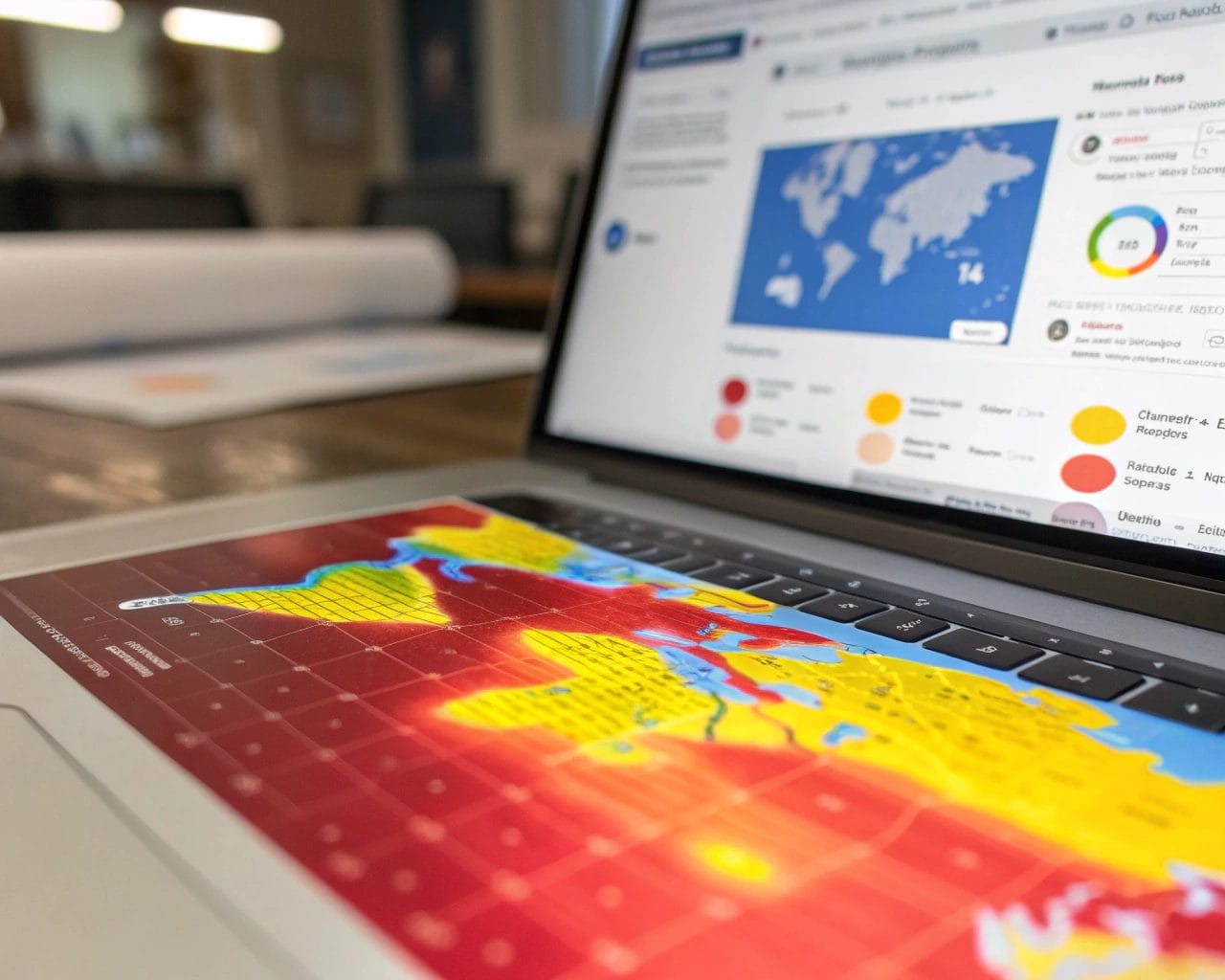
Heatmaps show areas of interest by tracking where users click or scroll the most. Are users ignoring your CTA? Clicking on non-interactive elements? This tells you exactly what draws attention and what gets overlooked. - Check Conversion Funnels
Identify steps users take to complete goals (like sign-ups or purchases). SimplifyAnalytics lets you set up a conversion funnel and track drop-off points. For example, if 70% of users abandon after step two of your five-step checkout, you’ll know where to direct your attention. - Real-Time Behavior Analytics
Want to see how users behave right now? Use the real-time dashboard to spot unusual patterns — such as sudden exits or frequent reloads — which may indicate a UX problem or technical error. - Segment by Source or Device
Not all visitors behave the same. You can filter analytics by traffic source (social, organic, direct) or device type (mobile, desktop) to tailor flow improvements accordingly.
Best tools for user flow analysis inside SimplifyAnalytics
SimplifyAnalytics offers a strong suite of analytics tools designed to help you measure and refine your user flow:
- Session Replays — These give you an over-the-shoulder view of the user’s path, allowing deep analysis of interaction patterns.
- Heatmaps — Visual summaries of clicks, scrolls, and movements help identify UI/UX strengths and weaknesses.
- Conversion Tracking — Helps understand the effectiveness of each funnel step and where users get lost.
- Real-Time Dashboard — Monitor live sessions and interactions as they happen.
- Lightweight Tracking Mode — For privacy-conscious websites, this mode still captures flow without cookies or requests for tracking consent.
Used together, these tools support robust customer journey mapping, which offers granular insights into how users think, act, and decide on your site.
Optimizing UX with SimplifyAnalytics
Improving the user experience starts with removing obstacles. When SimplifyAnalytics shows you that most users drop off before viewing your pricing or product pages, you might reconsider your site’s information hierarchy. Or, if heatmaps reveal that users never scroll past the first email input field, your layout might feel too crowded or confusing.
Use these practical steps to optimize UX with SimplifyAnalytics:
- Analyze Scroll Depth — If important content lies below the fold but users rarely scroll, reposition critical elements higher on the page.
- Improve Load Time — Use the script’s lightweight option (<6 kB) to reduce tracking load and speed up your site.
- Fix Broken Journeys — When users click on links that result in errors, you introduce friction. Session replays make it easy to locate and fix these issues.
- Feedback Loops — Pair session replays with user feedback forms. When user complaints match visual proof, prioritizing fixes becomes easier.
- Test Funnel Variations — Slight changes to page order or CTA placement often improve conversion rates. Keep track of performance before and after tweaks by watching funnel metrics inside SimplifyAnalytics.
Improving UX doesn’t require complex tools. It requires clarity of purpose, direct insights, and the ability to act on data — all of which SimplifyAnalytics delivers.
How to improve user flow in SimplifyAnalytics
You don’t need to overhaul your entire UX strategy to get better results. Often, improving user flow starts with small insights.
Start with this approach:
- Map Out Current Flow
Use customer journey mapping to draw out how users usually reach conversions. Include landing pages, CTAs, potential distractions, and exit points. - Identify Drop-Offs in Funnels
With SimplifyAnalytics’ funnel tool, find where people leave. High drop-off at the first stage? Maybe your landing page lacks persuasive copy. Losing users at checkout? Simplify the form or add trust elements like social proof. - A/B Test Page Variants
Change one thing at a time: CTA color, button text, hero image. Watch how user interactions shift. Use replays to verify if users pause or move through quicker. - Improve Mobile Flow
Many users visit from phones. Use device filtering to test site flow specifically for mobile users. Do they tap and scroll as expected? - Involve Teams
With the agency plan, invite your designer, copywriter, and developer to view analytics collaboratively. Cross-functional teams improve flow faster when everyone sees the same data.
These improvements are fast to implement and track through SimplifyAnalytics’ intuitive interface.
FAQs
How do I track the user journey effectively in SimplifyAnalytics?
Use session replays and conversion funnels to see where users go and what they ignore. Combine this with heatmaps to identify attraction zones.
Is SimplifyAnalytics GDPR compliant out of the box?
Yes, its lightweight mode operates cookie-free and requires no banner, making it compliant with GDPR, CCPA, and PECR.
Which is the best plan for UX optimization in SimplifyAnalytics?
The Advanced and Agency plans offer full access to heatmaps, session replays, and funnel tracking, which are critical for UX analysis.
Can I use SimplifyAnalytics for multiple websites?
Yes, depending on your plan. The Agency plan supports multiple sites and team members.
What’s the best way to share insights with my team?
Use the Teams Management feature in the Agency plan to provide access to project collaborators based on roles.
Improving your user flow doesn’t have to be a guesswork exercise. With SimplifyAnalytics, you get behavior clarity, actionable insights, and the right set of tools to refine your site experience across every touchpoint.
If you want to start optimizing your user journey and track how real users experience your site, explore the features of SimplifyAnalytics here.


