
Tabla de Contenido
- Understanding the Role of Session Replays in 2025
- How Session Replays Enhance User Behavior Analytics
- Advanced UX Monitoring Strategies Using Session Recording Software
- Session Replay Benefits for CRO and UX Optimization
- Improving Website UX with Session Recordings
- Best Session Replay Tools 2025
- FAQs on Session Replays and User Behavior Analytics
Understanding the Role of Session Replays in 2025
In 2025, session replays have become essential for businesses focusing on digital performance. By using website analytics tools, you’re not just measuring traffic or bounce rates—you’re capturing how users actually experience your content. This approach bridges the gap between data points and real user intentions.
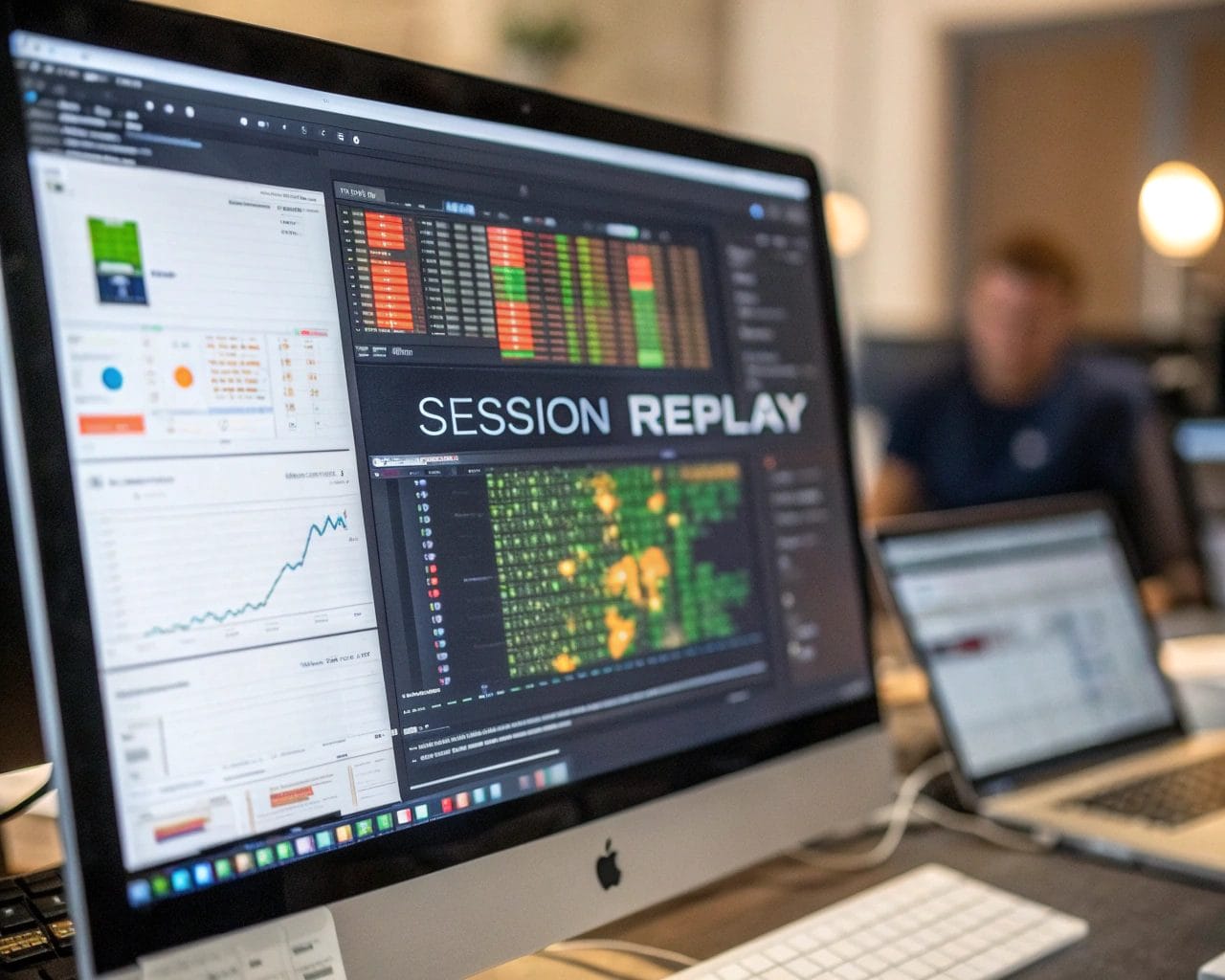
Session recording software lets you watch real-time replays of how visitors move through your site. From clicks and scrolls to hesitations and rage clicks, every action offers a clue. These replays serve as your front-row seat to what works and what causes friction.
Companies using session replays today gain critical user experience insights without relying on guesswork or generic feedback forms. You can watch customer journeys unfold, leading to smarter decisions across marketing, design, and development.
How Session Replays Enhance User Behavior Analytics
User behavior analytics tells you the what. Session replays tell you the why. For example, analytics might show a high exit rate on a product page, but session replays reveal that users are repeatedly clicking an unresponsive button or struggling to find key information.
Here’s how session replay data feeds into behavioral data tracking:
- Detect UX bottlenecks by reviewing real user sessions.
- Understand where attention drops off during long-form content.
- Observe hesitation points before conversions or exits.
With this information, you’re not relying on averages—you’re tracking behavior session by session. This leads to changes based on real interactions, not assumptions.
Advanced UX Monitoring Strategies Using Session Recording Software
To take digital experience monitoring to the next level, you need more than traffic dashboards. Advanced UX monitoring strategies focus on patterns, not events:
- Combine heatmaps with website session replay to validate design decisions.
- Use tagging in session recordings to highlight recurring issues.
- Segment by traffic source or device to understand contextual differences.
For example, you might discover that mobile users struggle more with a checkout flow than desktop users. The insights gained from consecutive replays allow precise improvements that traditional A/B tests might overlook.
Adding session recording software into team workflows makes collaboration easier. Developers see exactly what issues users face. Designers understand how interfaces perform in real life. Marketers learn how content engages—or fails to.
Session Replay Benefits for CRO and UX Optimization
If you’re focusing on conversion rate optimization (CRO), it’s critical to know which steps in the customer journey cause drop-offs. Session replays reveal conversion blockers you won’t find in spreadsheets.
Some practical benefits include:
- Identifying confusing navigation paths.
- Detecting form validation issues that halt conversions.
- Improving CTAs based on real user interactions.
These are direct inputs into UX optimization. Instead of redesigning based on gut instinct, you optimize based on visual proof. Session replays eliminate the need to guess why users abandon carts or fail to complete sign-ups.
Using behavioral data tracking, you align your objectives with how users naturally interact with your site, increasing conversions while streamlining their experience.
Improving Website UX with Session Recordings
Effective digital experience monitoring prioritizes the experience of the individual, not the mass. With session replays, each user’s interaction becomes a story, and across multiple sessions, patterns emerge.
Here’s how session recordings directly improve UX:
- Shorten navigation with fewer clicks to critical actions.
- Fix misleading layouts identified in repeated user errors.
- Simplify forms that users abandon midway.
For example, let’s say an ecommerce homepage receives traffic but few clicks to the product grid. Replays show users scanning but not interacting—a signal that clickable elements are not visibly interactive. You adjust the design, track the new sessions, and see higher engagement within hours.
Tools like SimplifyAnalytics streamline these insights. Their real-time session replays sync with other website analytics tools and don’t require cookie consent in lightweight mode. That means no drop-off in visibility due to consent banners.
Best Session Replay Tools 2025
Choosing the right tool matters. Here are some of the best session replay tools for 2025:
- SimplifyAnalytics – Privacy-first and designed for optimal performance, with no cookies in lightweight mode. Ideal for teams seeking GDPR-compliant options.
- FullStory – Offers detailed session playback and robust journey analysis.
- Hotjar – Combines heatmaps and feedback widgets with session replays.
- Smartlook – Provides funnel tracking with integrated session replays.
- Mouseflow – Focuses on form analytics and friction recordings.
Each tool caters to specific business needs. If privacy compliance is high on your checklist, SimplifyAnalytics offers cookie-free tracking and integrates session recordings with heatmaps, goal tracking, and UX optimization features in one platform.
Before committing, you can try free plans or demos to ensure the tool fits your team’s workflow. Look for features like real-time updates, customizable filters, and team collaboration access.
FAQs on Session Replays and User Behavior Analytics
What is a session replay?
A session replay is a visual recording of an individual user’s actions on a website, capturing mouse movements, clicks, scrolls, and navigation in real-time.
How are session replays used in user behavior analytics?
They provide context to traditional analytics data, allowing businesses to understand the reasons behind clicks, exits, or conversions.
Why are session replays important for UX optimization?
They highlight pain points and usability issues, enabling precise design improvements that increase user satisfaction.
Are session recordings GDPR and CCPA compliant?
Yes, particularly when using platforms like SimplifyAnalytics that offer cookie-free tracking and store data in privacy-compliant environments.
How do session replays help in CRO strategies?
By identifying where and why users drop off during conversion paths, enabling data-backed adjustments that improve performance.
What’s the difference between heatmaps and session replays?
Heatmaps provide aggregated behavior data, while session replays offer granular, individual-level interaction tracking.
If improving your website’s UX and boosting conversions are top priorities for 2025, session replays should be part of your strategy. Tools like SimplifyAnalytics give you privacy-compliant, real-time access to user behavior—without the complexity of traditional analytics suites.
Start with a free plan at SimplifyAnalytics and explore how session recordings bring clarity to your digital performance. Let users show you what they need.


