
Tabla de Contenido
– Understanding Heatmap Analytics and Website Engagement
– How to Use Heatmap Analytics for Engagement
– Step-by-Step Heatmap Analysis Guide
– Using Heatmaps to Improve UX and Conversion Rates
– Best Heatmap Tools for Conversion
– FAQ: Heatmap Analytics and UX Optimization
Understanding Heatmap Analytics and Website Engagement
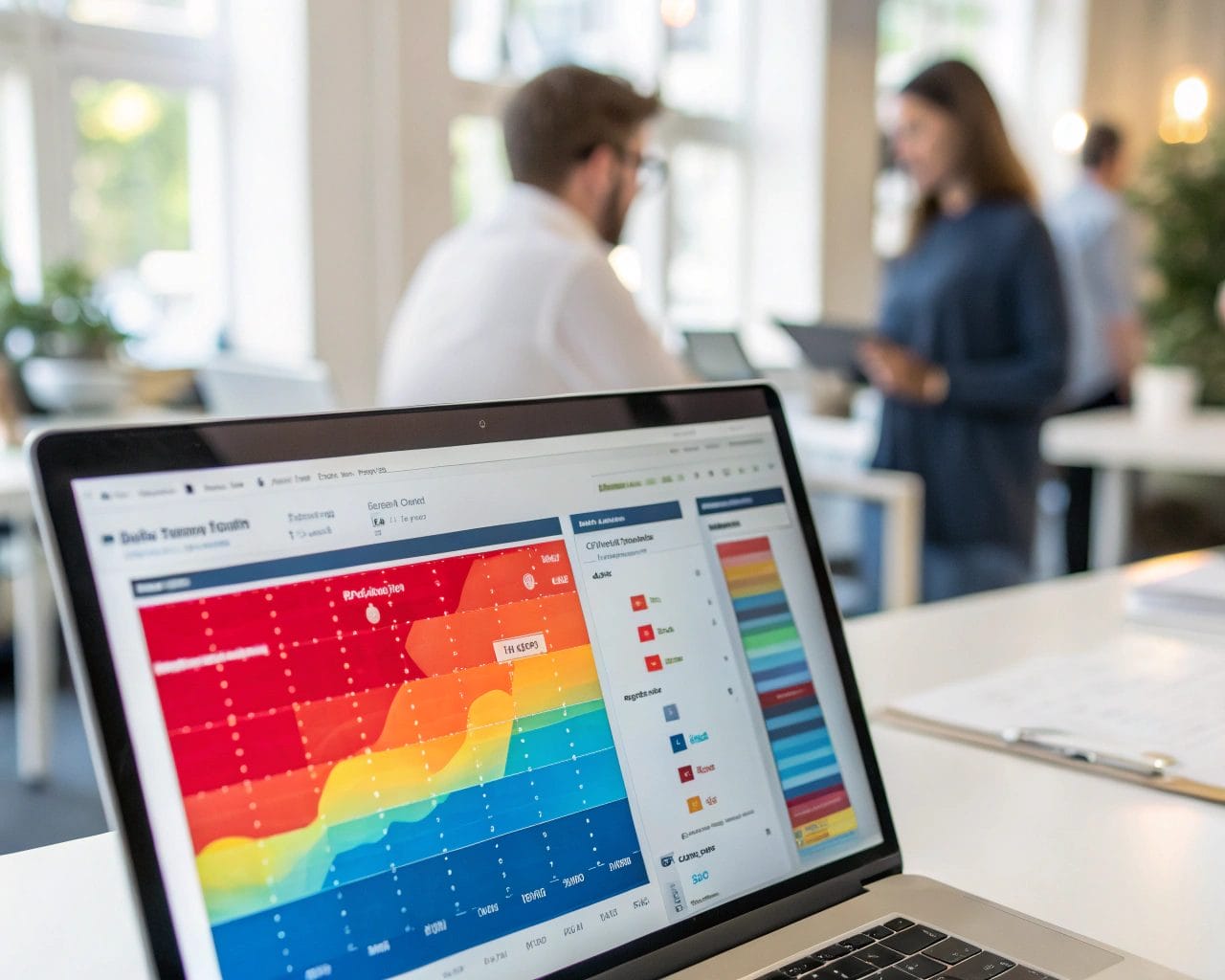
If you’re looking to understand user behavior on your website and improve outcomes, heatmap analytics offer a practical and visual way to dig deep into visitor interactions. At its core, heatmap analytics provide a visual data analysis method to identify where users click, scroll, and pause across your web pages.
This approach plays a critical role in tracking website engagement — how users interact with specific areas of your site, what elements grab attention, and which parts are ignored. Whether you’re running an e-commerce store, a SaaS platform, or a content hub, understanding where attention flows can help you prioritize both design and content adjustments.
Traditional website analytics platforms like Google Analytics give you numbers—bounce rate, session duration, pages per visit—but lack visual feedback on behavior. Heatmaps fill that gap and offer an actionable layer for UX teams, marketers, and developers to interpret click tracking and scroll depth with clarity.
How to Use Heatmap Analytics for Engagement
Heatmaps show areas of high interaction (often in red) and low interaction (blue or gray). Using these insights, you can increase website engagement with heatmaps by tweaking layouts, calls to action, forms, and content placement.
Here are some practical applications of heatmaps:
- Adjust CTA position: Move call-to-action elements to areas with high clicks
- Optimize content hierarchy: Ensure key messages appear before users stop scrolling
- Detect friction points: Identify buttons or links that receive clicks but don’t lead to conversions
- Eliminate distractions: Remove or move elements that draw unnecessary attention
- Test visual hierarchy: Make sure users are engaging with content in the order you intended
If visitors are ignoring the main CTA but clicking on images, it’s a sign your visual cues aren’t aligned with your goals.
Step-by-Step Heatmap Analysis Guide
To help you make the most out of your heatmap tools, here’s a detailed walk-through of how to run your first analysis:
- Choose a heatmap-friendly analytics platform
A tool like SimplifyAnalytics allows for user behavior tracking through heatmaps, session replays, and privacy-compliant data collection. - Select a key page to analyze
Start with landing pages or pages with high traffic but low conversion rates. - Enable visual recording
On SimplifyAnalytics, turn on session replays and click tracking across the selected URL. - Let data accumulate
Gather data over several days or traffic events to ensure patterns are consistent. - Interpret the visual data
Look for hot and cold zones across the interface. Are buttons being clicked? Are users scrolling past important sections? - Take action
Based on insights, shift CTA buttons, reorganize text, simplify navigation, or rework media placement. - Run A/B tests
Test the new layout against the original to validate improvements in conversion rate optimization. - Track changes over time
Use SimplifyAnalytics to compare heatmaps before and after design changes to measure the impact on website engagement.
This approach keeps the process lean and full of evidence-based decisions.
Using Heatmaps to Improve UX and Conversion Rates
Heatmaps aren’t just about visualization—they create a feedback loop for UX optimization. When you identify pain points in the user’s journey, you can reduce bounce rates and improve flow toward your conversion goals.
Common UX improvements driven by heatmap data include:
- Making navigation menus clearer and closer to interaction zones
- Reducing content bloat that pushes critical information below the fold
- Simplifying checkout processes by removing unnecessary steps
- Highlighting form fields better to encourage completions
When users don’t engage with sections critical to conversion, something about layout, messaging, or interaction flow is broken. Using heatmaps to improve UX means acting on that evidence.
Let’s say you see a drop-off on your pricing page. Heatmaps might reveal users clicking on tooltips or info boxes that aren’t interactive, or spending time on sections not intended to hold focus. You can redesign these sections to guide attention where it matters.
Best Heatmap Tools for Conversion
Choosing the right tool makes a big difference. SimplifyAnalytics stands out among best heatmap tools for conversion due to its:
- Session replays: See the entire user journey
- Cookie-free tracking: Perfect for privacy-first operations
- GDPR and CCPA compliance: Avoid legal headaches
- Lightweight script: Faster page load with a script under 6 KB
- No consent banners needed with lightweight mode
Unlike typical platforms that add load time and require tracking consent pop-ups, SimplifyAnalytics remains user-respectful while collecting rich engagement data. The Agency Plan also lets teams handle multiple websites with layered roles and permissions, vital for growth-oriented companies or marketing agencies.
Other features include goal tracking and in-depth behavior tagging, helpful for campaign targeting and accurate CRO decisions.
If you’re deciding between tools, look for:
- Real-time data views
- Scroll-depth mapping
- Interaction heatmaps segmented by device
- Ability to export and compare data snapshots
- Support for multiple websites and team access
These capabilities let you bridge the gap between insights and action.
FAQ: Heatmap Analytics and UX Optimization
What is heatmap analytics?
Heatmap analytics is a method of visually tracking where users click, scroll, and focus on a website to understand user behavior and improve performance.
How does heatmap tracking increase engagement?
By identifying which content and elements get the most attention, teams can redesign pages to better serve user interests and guide behavior toward conversions.
Are heatmaps GDPR compliant?
Not all are. SimplifyAnalytics offers a lightweight mode that’s fully compliant with GDPR, CCPA, and PECR by avoiding cookies and anonymizing data.
What’s the advantage of visual over numerical analytics?
Visual data adds context to numbers. For example, a low conversion rate may be linked to an ignored CTA, revealed through heatmap visualization but hidden in typical analytics.
Can heatmaps replace traditional analytics?
No, but they complement each other. Combine traditional website analytics with click and scroll heatmaps for deeper insights.
How often should I run heatmap analysis?
Review heatmap data after major design updates, campaign launches, and periodically every month to ensure user behavior aligns with current goals.
If you haven’t already started using heatmaps, there’s no better moment than now to put visual analysis to work. Start small by auditing your top-performing and underperforming pages, and use SimplifyAnalytics to surface data that drives smarter decisions.
Ready to track what truly matters? Explore SimplifyAnalytics and start turning heatmap insights into UX results.
References
- Matomo – 10 Proven Ways Heatmap Software Improves Website Conversions
- ClarityDX – How to Use Heat Mapping for Conversion Rate Optimisation
- IceCube Digital – Why Heatmaps Are Important for Your Website’s Success
- Convert.com – 14 Best Heatmap Tools in 2025
- Heap – What Are Heatmaps? How They Work and Ways You Can Use Them


